7 Free Productivity Tools to Supercharge Your Workday
Introduction
Finding the right productivity tools can make all the difference in today’s fast-moving digital world. Between endless notifications, emails, and social media distractions, our attention often gets scattered. Many people believe that boosting productivity requires expensive gadgets or premium software, but that’s not true.
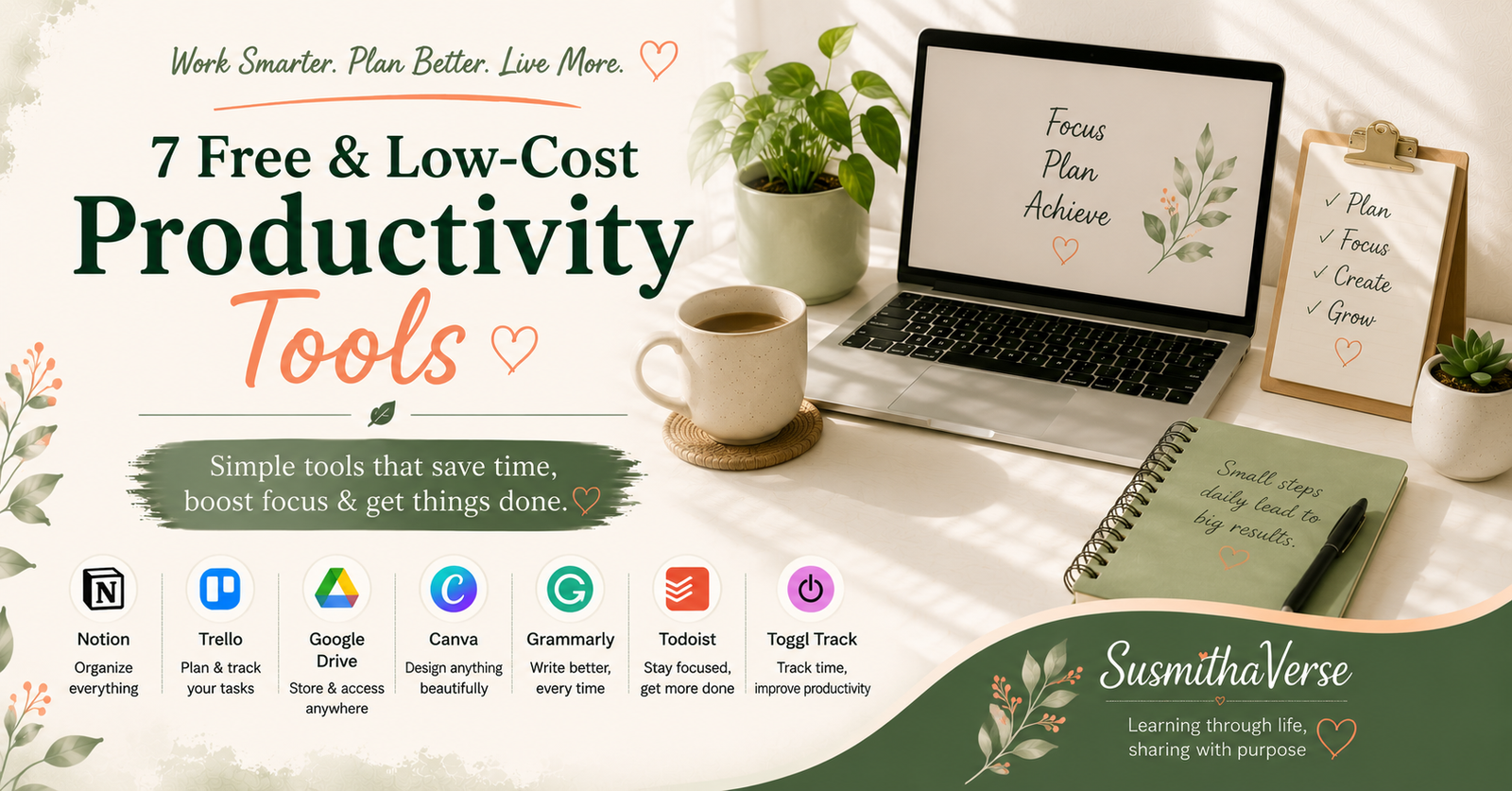
Whether you’re managing work projects, studying, running a small business, or simply trying to organize your everyday life, the right productivity app can save time and reduce mental clutter. In this list, I’m sharing 7 free productivity tools I’ve found useful for organizing tasks, staying focused, managing time, and getting more done without spending a lot on software.
In fact, there are several powerful productivity tools available for free (or at a very low cost) that can help you organize tasks, stay focused, and manage your time effectively. The best part? These tools are simple to use, widely available, and suitable for students, professionals, entrepreneurs, or anyone who wants to get more done without burning out.
Best part? They work for students, freelancers, small business owners, and everyday hustlers alike.
Quick Comparison: 7 Free Productivity Tools
| Tool | Best for | Free option | Best use |
|---|---|---|---|
| Notion | Notes & organization | Yes | All-in-one workspace |
| Trello | Visual project management | Yes | Managing projects |
| Google Keep | Quick notes & reminders | Yes | Capturing ideas quickly |
| Forest | Focus sessions | Yes | Staying focused |
| Google Calendar | Scheduling & time planning | Yes | Planning your day |
| Canva | Visual content | Yes | Creating designs |
| Focus To-Do | Tasks & Pomodoro | Yes | Focused work sessions |
How to Choose the Right Productivity Tool
Productivity isn’t only about adding more apps; it’s also about using technology intentionally. My guide to digital minimalism explores how to reduce digital distractions and use technology more consciously.
The best productivity tool isn’t necessarily the one with the most features. It’s the one you’ll actually use consistently. Before installing another app, think about what problem you’re trying to solve: organizing projects, capturing quick notes, managing your schedule, staying focused, or creating content.
I’d also recommend starting with one or two tools rather than building a complicated system with multiple apps. Too many productivity apps can create another layer of digital clutter instead of making life easier.
Notion – Your Digital Command Center
Links Here- (Website) (Android) (iOS)
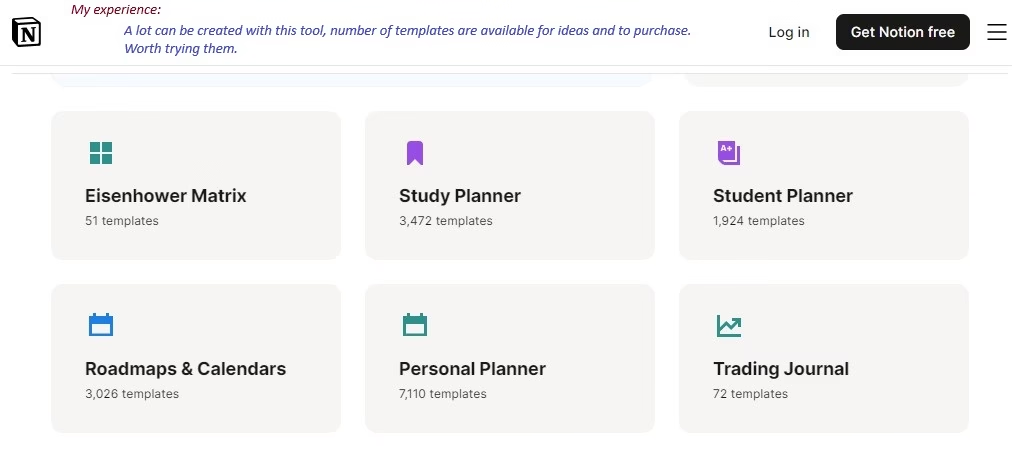
- What it does: Notion combines notes, task lists, and project management in one platform. You can create dashboards, habit trackers, and even manage team projects.
- Why it’s useful: It saves you from switching between multiple apps.
- Cost: Free for personal use, low-cost plans for teams.
- Quick Tip: Start with pre-made templates (like to-do lists or planners) to avoid setup overwhelm.
- Also available on Android and Apple Store.
Trello – Organize Work Visually
Links Here- (Website) (Android) (iOS)
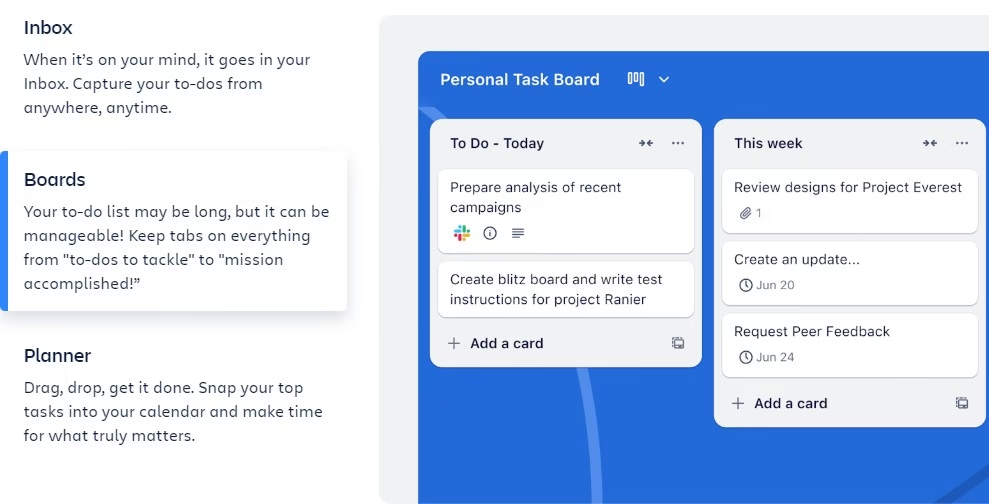
- What it does: Trello uses boards, lists, and cards to help you manage projects.
- Why it’s useful: The visual layout makes it easy to track progress at a glance.
- Cost: Free with optional upgrades.
- Quick Tip: Add labels and deadlines to cards so you never miss important tasks.
Google Keep – Notes Anytime, Anywhere
Links Here- (Website) (Android) (iOS)
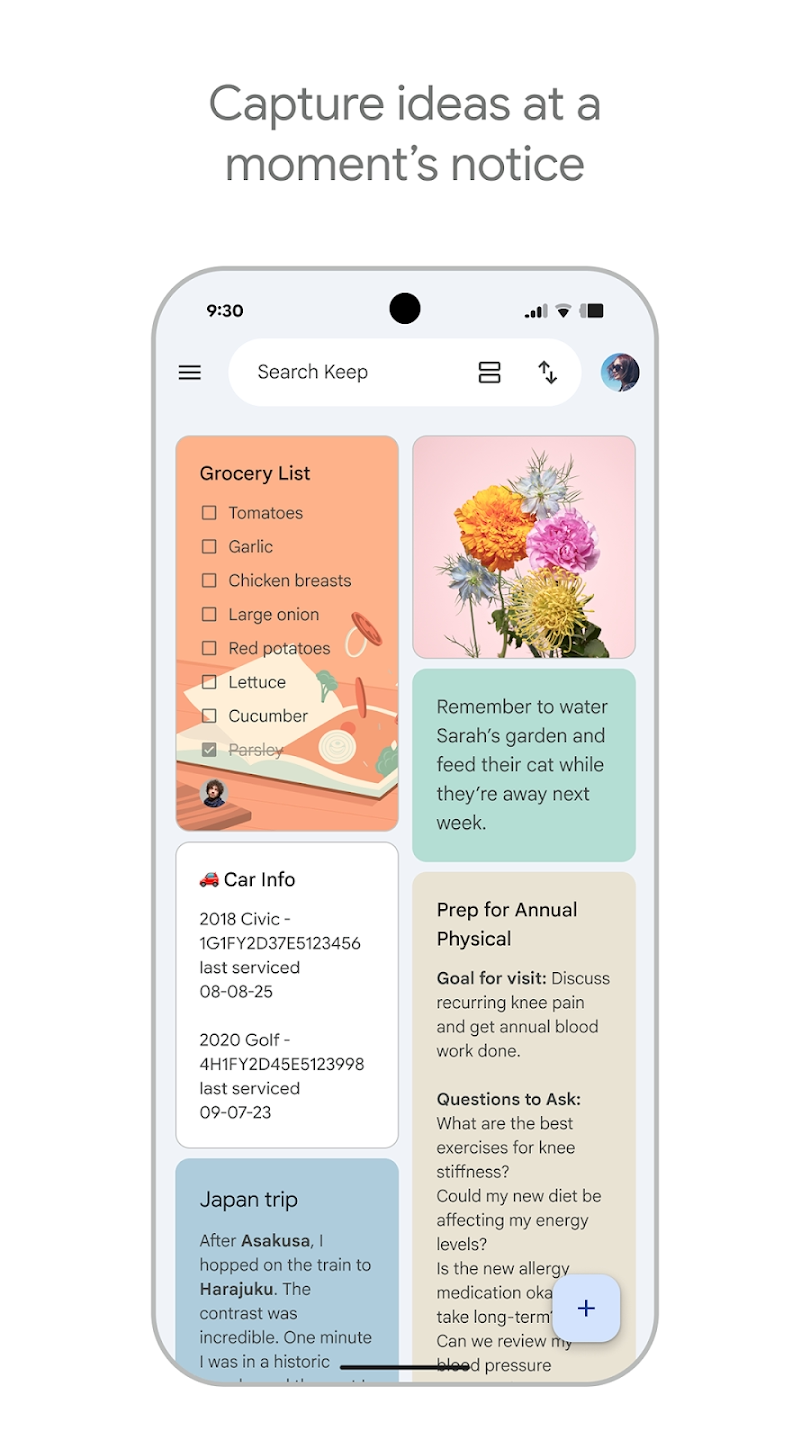
- What it does: A lightweight note-taking app that syncs across all devices.
- Why it’s useful: Great for quick reminders, ideas, or shopping lists.
- Cost: Free.
- Quick Tip: Use the voice note feature to capture thoughts when you’re on the go.
Forest – Beat Procrastination Playfully
Links Here- (Website) (Android) (iOS)
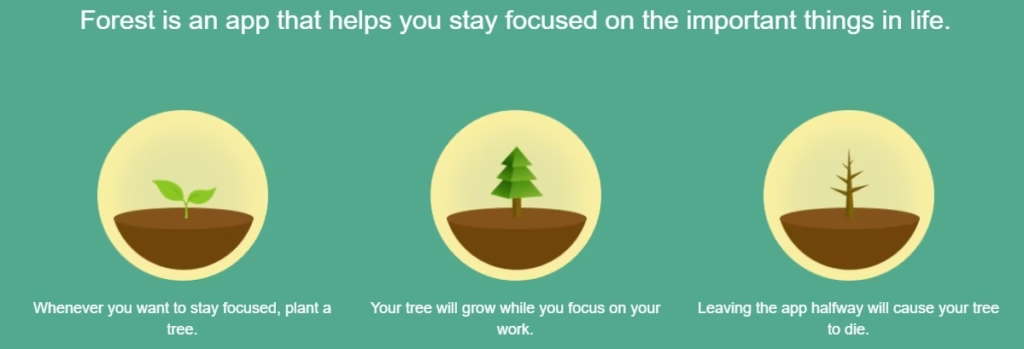
- What it does: Encourages focus by letting you “grow” a virtual tree every time you stay off your phone.
- Why it’s useful: Turns focus time into a small but satisfying reward.
- Cost: Free (with a low-cost premium version).
- Quick Tip: Invite friends and grow forests together for shared accountability.
Google Calendar – Master Your Schedule
Links Here- (Website) (Android) (iOS)
- What it does: Organizes meetings, events, and personal tasks with reminders.
- Why it’s useful: Helps you practice time-blocking and plan your day better.
- Cost: Free.
- Quick Tip: Create separate calendars for work, personal life, and health goals, and use colors to differentiate them.
Canva – Create Designs in Minutes
Links Here- (Website) (Android) (iOS)

- What it does: A beginner-friendly design tool for creating presentations, graphics, posters, and social media posts.
- Why it’s useful: Saves time when you need professional-looking visuals without hiring a designer.
- Cost: Free with optional Pro subscription.
- Quick Tip: Explore Canva’s free productivity templates for planners, calendars, and checklists.
Focus To-Do – Pomodoro + Task Manager
Links Here- (Website) (Android) (iOS)
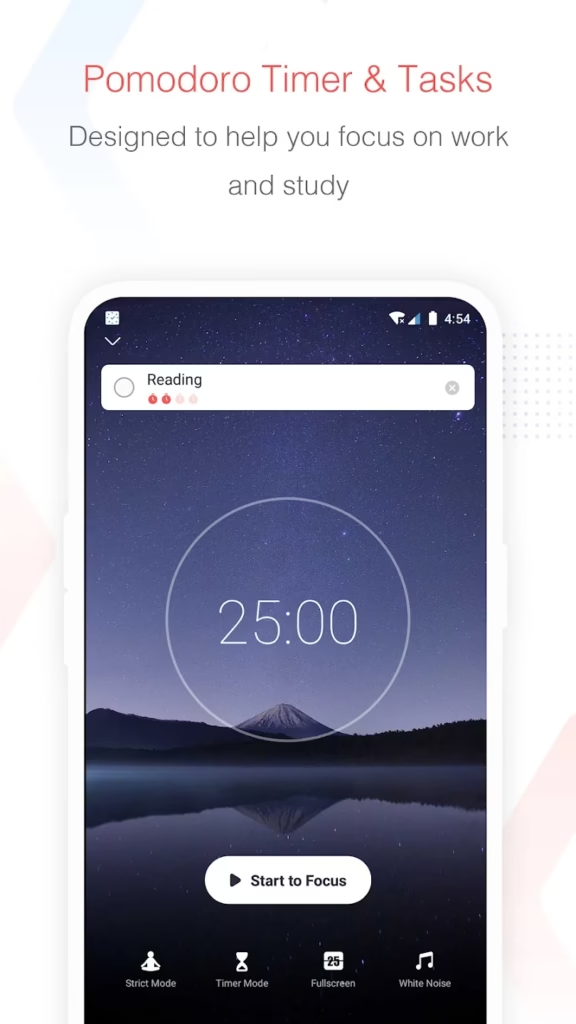
- What it does: Combines the Pomodoro technique (25-minute work intervals with short breaks) with a task manager.
- Why it’s useful: Keeps you focused while also tracking how you spend your time.
- Cost: Free with a low-cost premium version.
- Quick Tip: Review your weekly reports to see where most of your time goes.
Which Productivity Tools Do I Actually Recommend?
I’ve personally used Notion, Google Keep, Google Calendar, and Canva, and each one has a different place in my workflow. I wouldn’t recommend using every productivity app available—in fact, having too many tools can create more clutter than productivity.
Notion is my go-to when I want to organize information, notes, ideas, and projects in one place. It’s especially useful when I want something more structured than a simple notes app.
Google Keep is my choice for quick notes and reminders. When I have an idea or something I don’t want to forget, it’s much faster to open Keep and save it than to create a detailed system.
Google Calendar is useful for planning my time rather than simply keeping track of appointments. I like using it to see what my day actually looks like and make space for important tasks.
Canva is one of my practical tools for creating visuals without needing advanced design skills. I’ve found it particularly useful for blog graphics, social media content, presentations, and other quick designs.
If I had to keep only these four, I’d use Notion for organization, Google Keep for quick capture, Google Calendar for time planning, and Canva for creating visuals. The best productivity system is the one that makes your life simpler—not the one with the most apps.
Key Takeaways on Choosing the Right Productivity Tools
- With these 7 free productivity tools, you can cut distractions—many free apps can simplify your life.
- Pick 2–3 tools that match your lifestyle and stick to them consistently.
- Experiment with different options, but avoid using too many apps at once—it can backfire.
Tools work best when they’re combined with consistent small daily habits.
Final Thoughts
Productivity is not about doing more; it’s about doing what matters most efficiently. With these 7 free productivity tools, you can reduce distractions, organize your work, and create a productivity system that fits the way you actually live and work.
👉 Which of these tools have you already used? Share your favorite in the comments!