
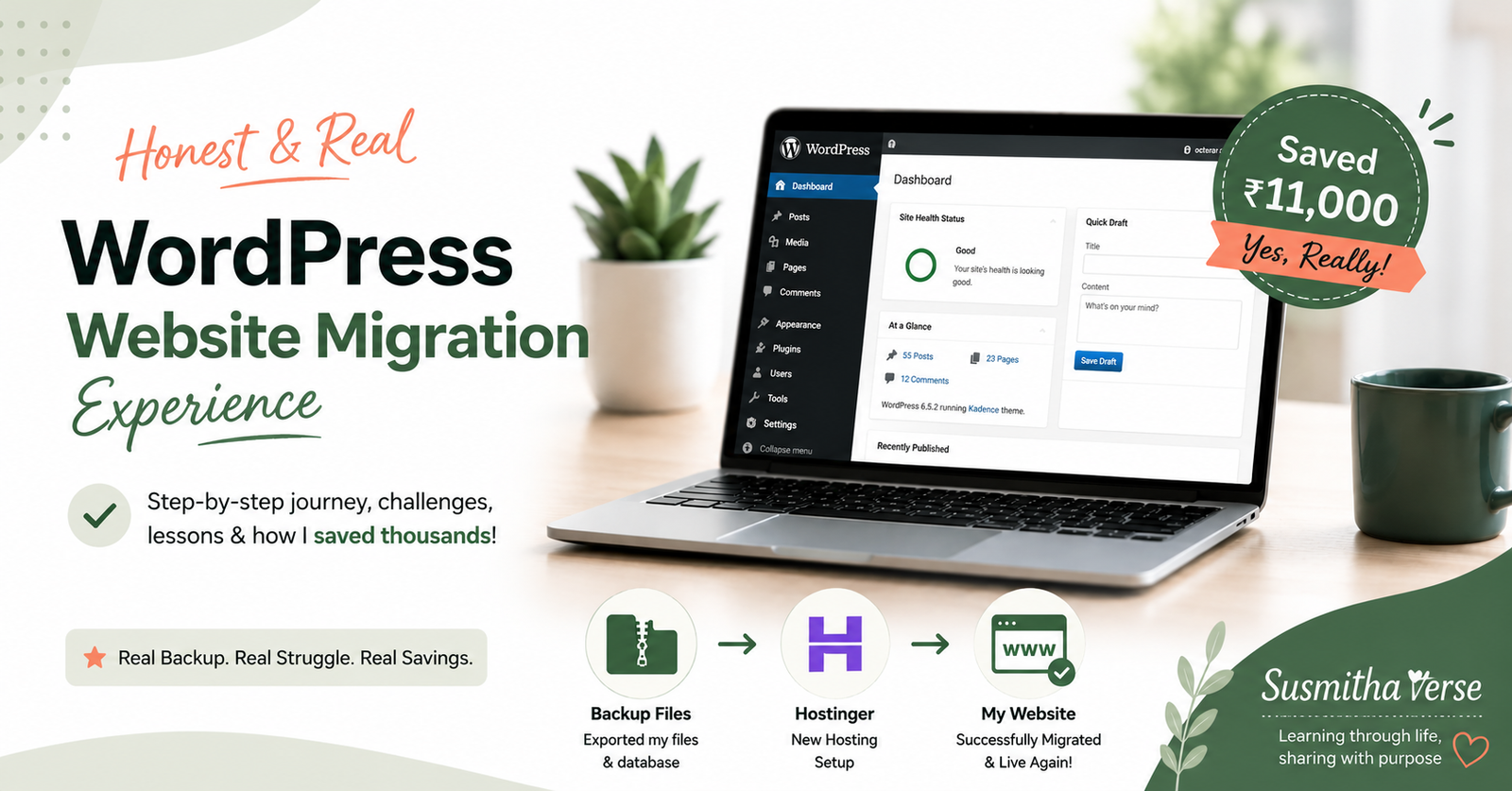
Honest WordPress Website Migration Experience (₹11k Saved)
If you’ve ever put off renewing your web hosting because you kept telling yourself “I’ll do it next week,” this post is for you. That was me, right up until the renewal deadline was staring me in the face and I had no choice but to actually deal with it. Sharing my full WordPress website migration experience here — the pricing mistake I almost made, the tool I used, and everything I checked afterward.
In this post, I’m sharing my real WordPress website migration experience — why I moved my site, how I migrated it to a new hosting plan, what I paid, and the checks I completed afterward. I ended up saving roughly ₹11,000 compared with the original renewal price.
When I Saw the Renewal Price
My hosting plan was coming to an end, so I started looking at options. I even talked it through with Claude, and the advice I got was simple: renew the domain first, no matter what, and then sort out the hosting. That part turned out to be really useful advice, because it meant I wasn’t racing against two deadlines at once later.
Then I checked the actual hosting renewal price. For a 4-year plan, since I wanted to lock in my site for the long run, it came to almost ₹18,000. That number stopped me in my tracks a bit, because it felt steep for what I was getting.
So I did what most of us do before spending that much money — I went looking for a better deal. Turned out there was a monsoon sale running on the same hosting provider, and the same 4-year plan was quoted at around ₹7,800 through the sale. I wasn’t done yet, though — I searched around for coupon codes too, and found one that was actually reliable, giving me an additional 10% off.
Here’s how the numbers actually broke down:
| Option | Price (4-year plan) |
|---|---|
| Direct renewal | ~₹18,000 |
| Monsoon sale price | ~₹7,800 |
| Sale + 10% coupon (final, with tax) | ~₹7,000 |
My biggest takeaway: Always check if there’s an active sale before you renew directly, and always search for a coupon code before checkout. It takes maybe 15 extra minutes and it can genuinely cut your bill by more than half.
That’s roughly ₹11,000 saved just by not renewing on autopilot.
Before You Migrate Your WordPress Website
Before starting a WordPress migration, I recommend getting a few basics ready. It can save you from unnecessary stress if something goes wrong during the move.
1. Take a complete backup
Keep a copy of your WordPress files and database before starting the migration.
2. Confirm your domain details
Make sure you know where your domain is registered and when it expires.
3. Check your current hosting expiry
Don’t let your hosting and domain deadlines become a last-minute problem.
4. Prepare your new hosting environment
If you’re using a temporary domain or staging environment, make sure the new WordPress installation is ready before moving the live site.
5. Don’t cancel the old hosting immediately
Keep access to the old site until you’ve confirmed that the migrated site works correctly.
My WordPress Website Migration Experience, Step by Step
Once the new plan was sorted, I had to migrate my website over to it. My hosting provider, Hostinger, has a built-in migration tool, which sounded great in theory, but it didn’t start off smoothly. My existing domain couldn’t be migrated directly through the tool, so instead it used a temporary domain to work with.
Here’s how it actually played out:
- Created a new WordPress site on a temporary domain, using the hosting tool itself. This part was surprisingly easy — the tool handled the WordPress installation for me.
- Saw both domains side by side in the dashboard — my old domain and the new temporary one — with a “copy website” option that copies all the data over.
- Checked the temporary site carefully after the copy finished, making sure it was actually showing my real content, posts, and theme, and not just a blank WordPress install. This is your confirmation that the copy actually worked, before you commit to anything permanent.
- Transferred the domain from temporary to permanent. Since I’d already renewed my domain earlier — thanks to that “renew the domain first” advice — this step went through without any issues.
Genuinely, I didn’t hit any major hiccups. Whatever small questions came up, I got help from two places — the hosting provider’s support chat, which was quick and patient, and Claude, which I used to double-check steps and terminology I wasn’t 100% sure about.
Checking Everything Actually Worked
Migrating the files is only half the job — the other half is confirming nothing broke in the process. This is the part I think beginners skip, and then end up confused later when something looks off. Both the hosting support chat and Claude walked me through a few checks, and I went through each one before considering the migration done:
- WordPress admin login — made sure I could still log into the dashboard on the new hosting without issues.
- WordPress URL and Site URL settings — these two need to match correctly under WordPress settings. If they don’t, your site can end up redirecting weirdly or not loading at all. This is a classic thing that trips people up after a migration.
- General WordPress settings — went through the usual settings to make sure nothing had reset or reverted during the copy.
- Cache purging — cleared the cache after everything was set, since old cached versions can make you think something’s broken when it’s actually just showing you a stale copy of the site.
Once all of these checked out fine, I was confident the migration was properly done — not just “technically copied” but actually working the way my site did before.
What I Would Do Differently Next Time
Looking back, the biggest lesson from my WordPress migration was not to wait until the hosting renewal deadline is too close.
Next time, I would start comparing hosting plans and migration options earlier, keep my backup ready before making any changes, and allow myself enough time to test the migrated site properly.
The migration itself wasn’t the hardest part. The important part was giving myself enough time to check that everything worked after the move.
Tools I Used for This Migration
For anyone curious about the exact stack behind this move:
- Hosting: Hostinger — used their built-in migration tool and their support chat throughout
- CMS: WordPress — self-hosted, same install carried over content and theme
- SEO: Rank Math — used to double-check on-page SEO wasn’t affected post-migration
- Search visibility: Google Search Console — resubmitted my sitemap here after the move, just to be safe
- AI assistant: Claude — used for planning the renewal decision and troubleshooting terminology along the way
If you run a hosting, WordPress tools, or SEO plugin brand and this kind of hands-on, real-user walkthrough is useful to you, feel free to reach out — I’m always happy to test and write about tools I’m already using on SusmithaVerse.
Why I’m Sharing This
I know a lot of people put off hosting renewals the same way I did, and then panic-renew at whatever price is shown without checking for a better deal. And migration itself sounds scarier than it actually is, especially if your host has a proper tool for it. If this post helps even one person save some money or feel less nervous about migrating their own site, it’s done its job. If tech overwhelm is a bigger theme for you generally, my post on digital minimalism might resonate too.
If you’re going through a similar renewal or migration soon, take your time with the sale and coupon search first, and don’t skip the post-migration checks — they take five minutes and save you a lot of confusion later. If you’re into finding tools that make your work easier without spending much, you might also like my post on 7 free and low-cost productivity tools — same spirit of getting more done without overspending.